Samsung
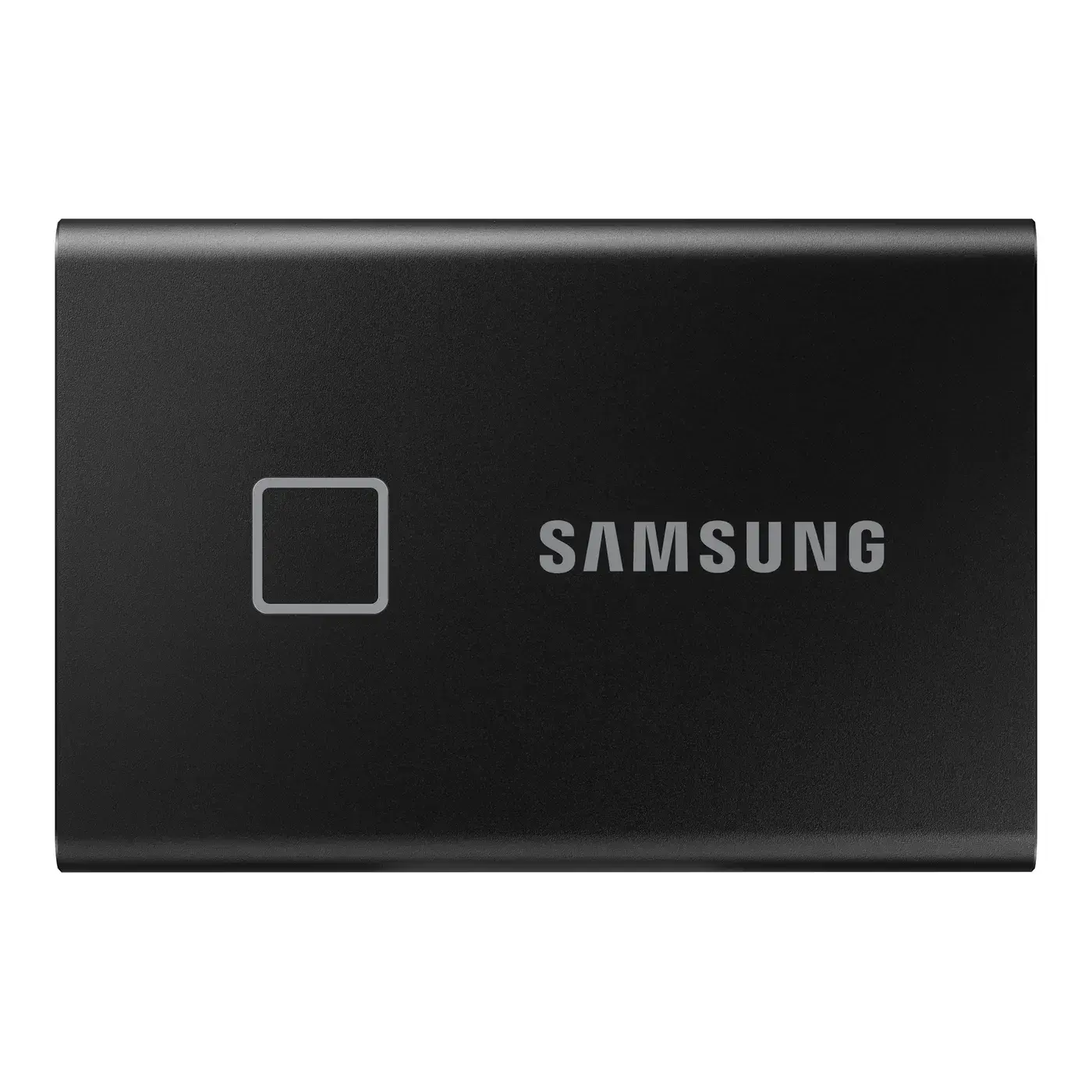
Samsung Portable SSD T7 Touch 1TB USB 3.2 Gen 2 External SSD with Fingerprint
1TB · 1050 MB/s
IQD 395,000
In stock
Written down before you buy
Not covered: breakage, liquid damage, burns from power surges, or opening / tampering with the device.
Warranty & service policySKU: LNM610P002T-RNNNG-FA
The Lexar NM610PRO 2TB is an NVMe SSD with a PCIe Gen3x4 interface and reads of up to 3300 MB/s, around six times faster than a traditional SATA SSD. It pairs large capacity with a sensible price, making it a practical upgrade for desktops and laptops that need 2TB of fast storage for the system, programs and games.
The drive uses the compact, light M.2 2280 form factor, which makes installation easy in most modern desktops and laptops. With no moving parts it resists shock and vibration and runs completely silently.
The drive installs in an M.2 slot that supports NVMe on a desktop motherboard or laptop and needs no power or data cables. It runs at full speed in PCIe 3.0 slots and also works in newer PCIe 4.0 and 5.0 slots because the standard is backward compatible. Before buying, make sure your M.2 slot supports NVMe and is not SATA-only.
NVMe is a protocol designed for flash storage that talks directly over PCIe lanes instead of the older SATA interface, which cuts latency and multiplies speed. TRIM helps keep performance consistent over time, and S.M.A.R.T lets you monitor drive health with software.
It suits anyone upgrading an older PC or laptop to large NVMe storage without paying for Gen4, and gamers who need lots of room for a big game library.
| Type | NVMe SSD (M.2) |
|---|---|
| Capacity | 2TB |
| Interface | PCIe 3.0 NVMe |
| Read speed | 3300 MB/s |
| NAND | TLC |
| Warranty | 1 yr |
| Form factor | M.2 2280 |
| PCIe generation | Gen 3 |
| Brand | Lexar |
Yes, it works in any laptop with an M.2 2280 slot that supports NVMe. Check your laptop's specs or ask us before ordering and we will help confirm compatibility.
Reads reach up to 3300 MB/s, which Lexar rates at about six times a SATA SSD that tops out around 550 MB/s. You will notice the difference in boot times and large file transfers.
The box contains: ssd drive, user manual. No extra cables are included because the drive does not need them in most cases.
Yes, the drive comes from Al-Bab Al-Aali with a full 1-year warranty inside Iraq. If a manufacturing defect appears during that period we handle inspection and replacement under the warranty terms.
You can install Windows fresh on the drive for the cleanest result, or use cloning software to copy your system and files from the old drive. After installation, set the new drive as the boot device in the BIOS.
Last updated:
1TB · 1050 MB/s
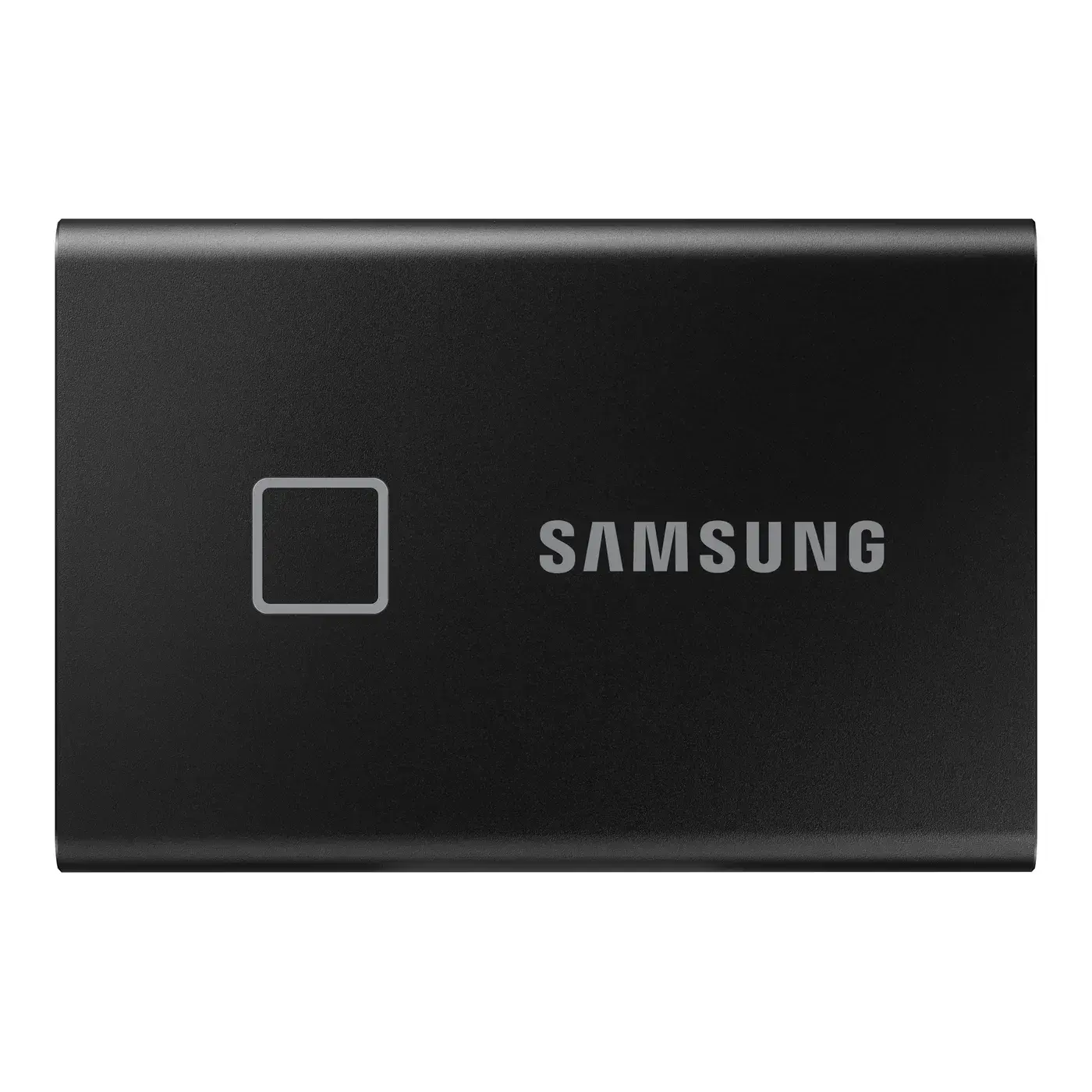
2TB · 1050 MB/s