Samsung
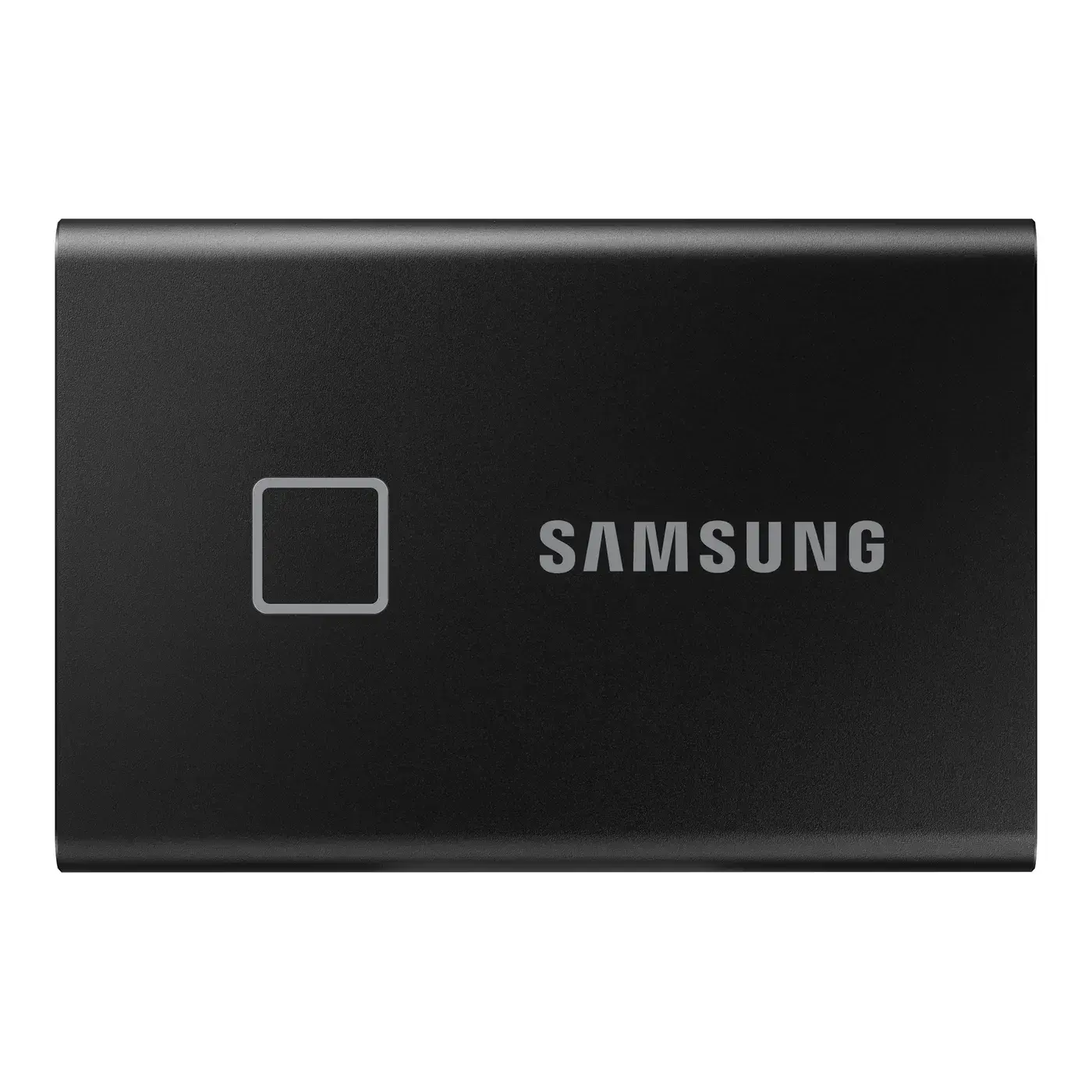
Samsung Portable SSD T7 Touch 1TB USB 3.2 Gen 2 External SSD with Fingerprint
1TB · 1050 MB/s
IQD 395,000
In stock
Written down before you buy
Not covered: breakage, liquid damage, burns from power surges, or opening / tampering with the device.
Warranty & service policySKU: MU-PA250B-WW-FA
The Samsung Portable SSD T5 250GB is a compact portable SSD roughly the size of a business card. It delivers transfer speeds of up to 540 MB/s over USB 3.1 Gen 2, several times faster than a traditional external hard drive.
The T5 has a sleek, small metal body that slips easily into a pocket or laptop bag. With no moving parts, it handles bumps and vibration far better than an external drive with spinning platters. The 250GB version comes in blue.
It comes with two cables, USB Type-C to C and USB Type-C to A, so it works with both new and older PCs, laptops and Macs, as well as some phones and tablets that support external storage. The Samsung Portable SSD software lets you set a password and update the firmware.
A portable SSD uses flash memory instead of spinning platters, so it has no moving parts: it is lighter, faster and more resistant to bumps than a traditional external hard drive. AES 256-bit hardware encryption means data is encrypted inside the drive itself, so once you set a password in the Samsung Portable SSD software, nobody can read your files without it.
It suits students and office workers who carry files between home and work, and photographers who want quick backups on the go. The Samsung T5 250GB price in Iraq at Al-Bab Al-Aali is affordable.
| Type | External SSD |
|---|---|
| Capacity | 250GB |
| Interface | USB-C |
| Read speed | 540 MB/s |
| Warranty | 3 yr |
| Form factor | External |
| Colour | Blue |
| Brand | Samsung |
It works with Windows PCs and Macs using either of the two included cables. It also works with some phones and tablets that support external USB-C storage.
Speeds reach up to 540 MB/s when connected to a USB 3.1 Gen 2 port. On older ports the speed is limited by what the port supports.
The box contains the T5 drive, a USB Type-C to C cable, a USB Type-C to A cable and a user manual. No external power adapter is needed.
Yes, it comes from Al-Bab Al-Aali with a full 3-year warranty in Iraq, with cash on delivery and delivery to every governorate.
Install the free Samsung Portable SSD software on your computer and turn on password protection. After that the drive only unlocks with your password, backed by AES 256-bit hardware encryption.
Last updated:
1TB · 1050 MB/s
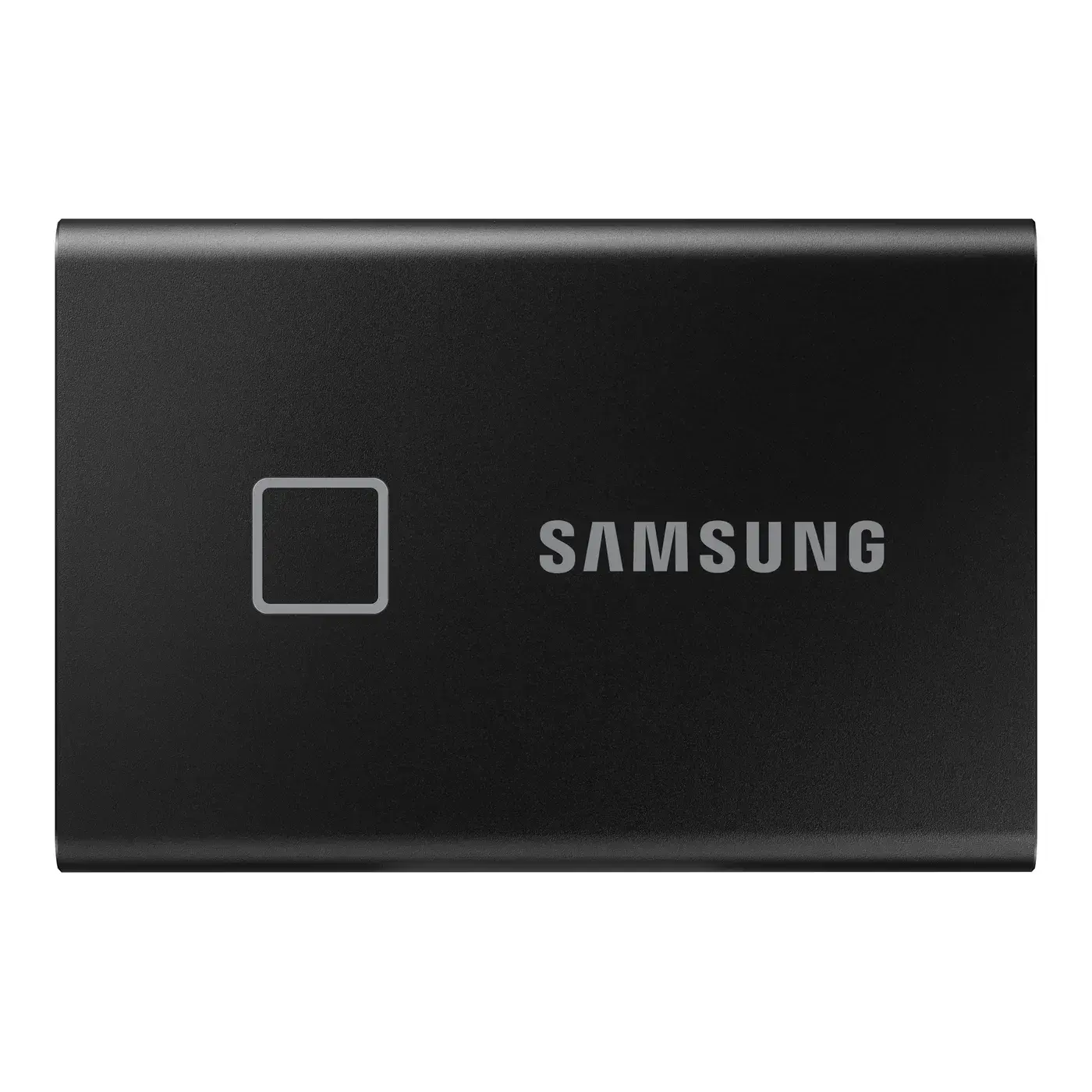
2TB · 1050 MB/s